
Google Threat Intelligence - Migration guide for VirusTotal former users
This guide is designed to help VirusTotal users seamlessly transition to and effectively utilize the new Google Threat Intelligence platform.
Former VirusTotal users can continue to use all of VirusTotal's familiar capabilities, now enhanced with Mandiant's curated threat intelligence and Google's unparalleled threat visibility. By combining Mandiant's frontline expertise and analyst insights, we're adding rich depth to VirusTotal's existing knowledge, helping users make smarter, more reliable decisions.
For former Mandiant Advantage users, we've developed a dedicated migration guide available here.
Get started
You can find here the provisioning process with all details on each step and all information required for closing the contract. Our provisioning team will support you during the entire process.
Retaining your existing VirusTotal group Token in your Google Threat Intelligence account is essential for a seamless transition and uninterrupted access to your data and configurations.
By doing so, all your configurations and settings from VirusTotal accounts will remain intact and accessible within Google Threat Intelligence, and users will be upgraded to Google TI with the same access level as regular users or "Members" and administrators or "Admins".
This will ensure service continuity and access to your previously created:
(*) Replace {user_id} and {group_id} (or %7Buser_id%7D and %7Bgroup_id%7D) in the links by your values.
Google Threat Intelligence tools
Google Threat Intelligence integrates the power of VirusTotal's community-driven data with Mandiant Advantage Threat Intelligence's curated insights, all enhanced by Google's unparalleled visibility.
Depending on your Google Threat Intelligence subscription, you can access these resources through the new left navigation menu, where some of the tools and services are grouped by different topics for effortless exploration and navigation:
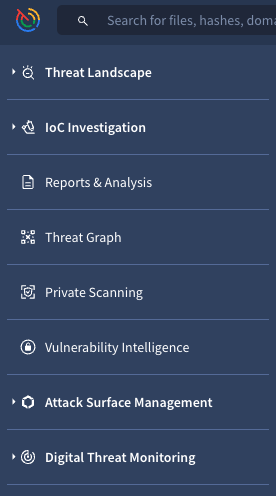
The table below enumerates the UI tools available within Google Threat Intelligence.This presentation highlights which capabilities will be familiar from your VirusTotal experience and which are new additions designed to expand your threat intelligence resources.
| Module | Tool | Status for VT Users | Description |
|---|---|---|---|
| Threat Landscape | Manage Threat Profiles | New Capability in Google TI | Personalized, dynamic lens that filters curated Google Threat Intelligence's vast data to highlight threats most relevant to your organization, based on your own custom criteria. |
| Threat Actors | Familiar from VirusTotal | Highly contextualized Threat Actors cards providing curated details verified by Google Threat Intelligence analysts and our community Partners. | |
| Malware & Tools | Familiar from VirusTotal | Rich, contextualized details on Malware families and Toolkits, powered by Google Threat Intelligence analysts and our community Partners. | |
| Campaigns | Familiar from VirusTotal | Curated intelligence on malware Campaigns continuously monitored by our Google Threat Intelligence analysts. | |
| IoC Collections | Familiar from VirusTotal | Live reports of indicators of compromise. Our Google Threat Intelligence analysts create them, as do our community Partners who track indicators in malicious campaigns. We also incorporate Crowdsourced threats observed by the wider community as Open Source Intelligence (OSINT). | |
| TTP Analysis | New Capability in Google TI | Powerful tool for exploring and analyzing threat objects, vulnerabilities, and reports, from the perspective of aligning the malicious activity represented by them against the MITRE ATT\&CK framework. | |
| IoC Investigation | Check with VirusTotal (\*) | Familiar from VirusTotal | Evolving from VirusTotal Intelligence, this tool serves as a robust IoC search engine for querying based on specific criteria and for uploading files for analysis. Additionally, its advanced semantic search goes beyond just IoC lists, delivering a broader spectrum of threat intelligence including Threats, Reports, Vulnerabilities, Rules, Graphs, and valuable community Comments. |
| Livehunt | Familiar from VirusTotal | Constantly running YARA rulesets jobs, which analyze new IoCs submitted to the platform and generate notifications on IoCs that match the implemented conditions (search in the future). | |
| Retrohunt | Familiar from VirusTotal | YARA rulesets running against our extensive file database to pinpoint files that satisfy the rule's conditions (search in the past). | |
| IoC Stream | Familiar from VirusTotal | The centralized notifications hub for Livehunt and Retrohunt matches, Threat Intelligence objects subscriptions and Managed Threat Profiles. | |
| Diff | Familiar from VirusTotal | The assistant for creating files-based Yara rules. | |
| Reports & Analysis | Familiar from VirusTotal | Curated reports from Google Threat Intelligence analysts or community Partners as well as Crowdsourced reports from the rest of the community. | |
| Threat Graph | Familiar from VirusTotal | Previously known as VT Graph, a tool for visually exploring relations between Indicators. | |
| Private Scanning | Familiar from VirusTotal | VirusTotal Private Scanning for files and URLs that cannot be shared with the rest of the community. | |
| Vulnerability Intelligence | New Capability in Google TI | A curated database providing actionable insights to prioritize and implement effective security fixes. | |
| Attack Surface Management | New Capability in Google TI | ASM for assets and issues discovery. | |
| Digital Threat Monitoring | Digital Threat Monitoring | New Capability in Google TI | DTM to explore open-source and dark web data. |
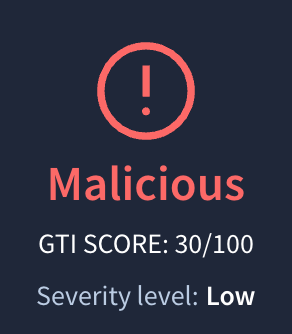
(*) Google Threat Intelligence introduces a new Indicator Score for IoCs (files, URLs, domains, IP addresses). This Google Threat Intelligence Indicator Score helps SecOps teams prioritize the most significant threats by evaluating various factors within the indicators' reports.
Integrations and automations with Google Threat Intelligence API
Already existing custom integrations or API automated processes won't be impacted.
New API endpoints have been introduced to cover all recently added features listed in the "Google Threat Intelligence tools" section. For detailed information, refer to the complete official API v3 documentation.
Moreover, the gti_assessment field is integrated into all IoCs' (files, URLs, domains, IP addresses) reports. To leverage this new parameter in your automations, simply access it via the usual API endpoints:
- Get a file report -
/files/{id} - Get a domain report -
/domains/{domain} - Get a URL analysis report -
/urls/{id} - Get an IP address report -
/ip_addresses/{ip}
gti_assessment requires x-tool headerTo get the gti_assessment attribute in the JSON response, ensure that the x-tool header is added to the request headers. This header should be used to identify your tool or service with a custom name.
Here's an example of retrieving the Google Threat Intelligence score (gti_assessment) from a particular file:
import os
from pprint import pprint
import requests

FILE_SHA256_HASH = '7203e2e674817c3cc2080d810a2e09323100163a1bd8f8d4ffbf5b9b1729b9c1'

def get_file_gti_score(file_hash):
 url = f'https://www.virustotal.com/api/v3/files/{file_hash}'
 headers = {
   'Accept': 'application/json',
   'x-apikey': os.environ['VT_APIKEY'],
   'x-tool': 'MyToolOrServiceName',
 }
 res = requests.get(url, headers=headers)
 res.raise_for_status()
 return res.json()['data']['attributes'].get('gti_assessment',None)


file_gti_score = get_file_gti_score(FILE_SHA256_HASH)
pprint(file_gti_score)
New API-Only Tools
Categorized Threat Lists: Google TI includes API data streams that provide curated and categorized Indicators of Compromise (IoCs). While these feeds are pre-filtered by certain criteria and categories, they also include additional filters for an extra layer of user customization. For more details, refer to the API documentation section here.
Out-of-the-Box Third-Party Integrations
Already existing out-of-the-box (OOTB) integrations won't be impacted.
While we are actively developing new integrations for Google Threat Intelligence, you can access the list of available ones not only from the INTEGRATION dedicated section on our documentation portal but also from the Technology Integration left navigation menu option, where you can easily identify the integrations that are "compatible with Google Threat Intelligence".
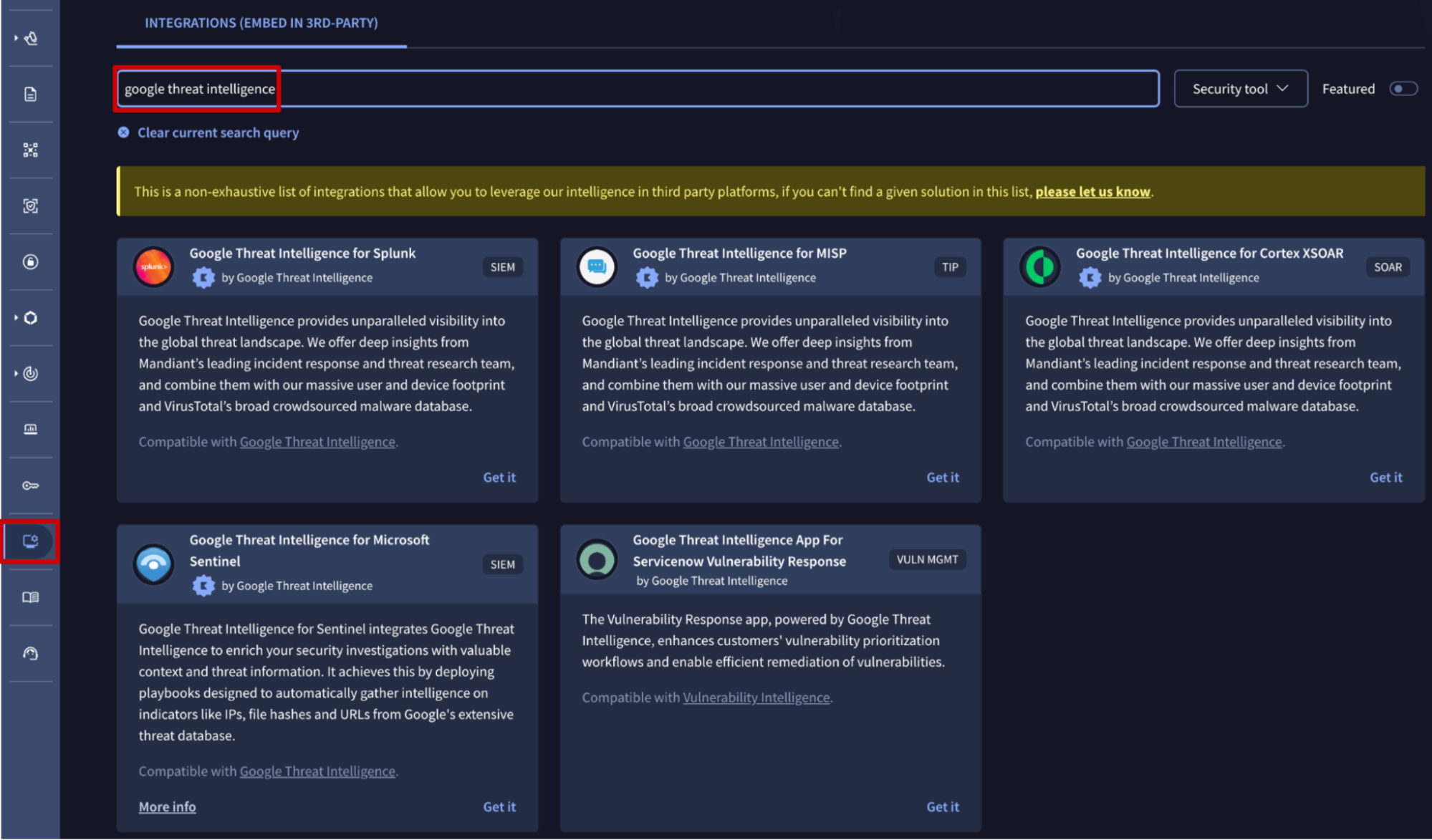
We strongly advise prioritizing the migration to Google Threat Intelligence integrations to ensure all your events benefit from Google Threat Intelligence's rich threat context. Check out our extended OOTB Migrate from VirusTotal guide which will incorporate every new integration.
Official documentation portal
Explore our documentation portal to discover everything you need to know about Google Threat Intelligence. You'll find in-depth information on features and services, plus helpful guides and walkthroughs to accelerate your learning journey.
To automate your workflows, we've compiled a comprehensive list of all API v3 endpoints, each with detailed descriptions to help you get started.
Stay informed on the latest platform updates in our Release Notes and discover our new webinars and relevant blog posts announced through our In-app notification tool.
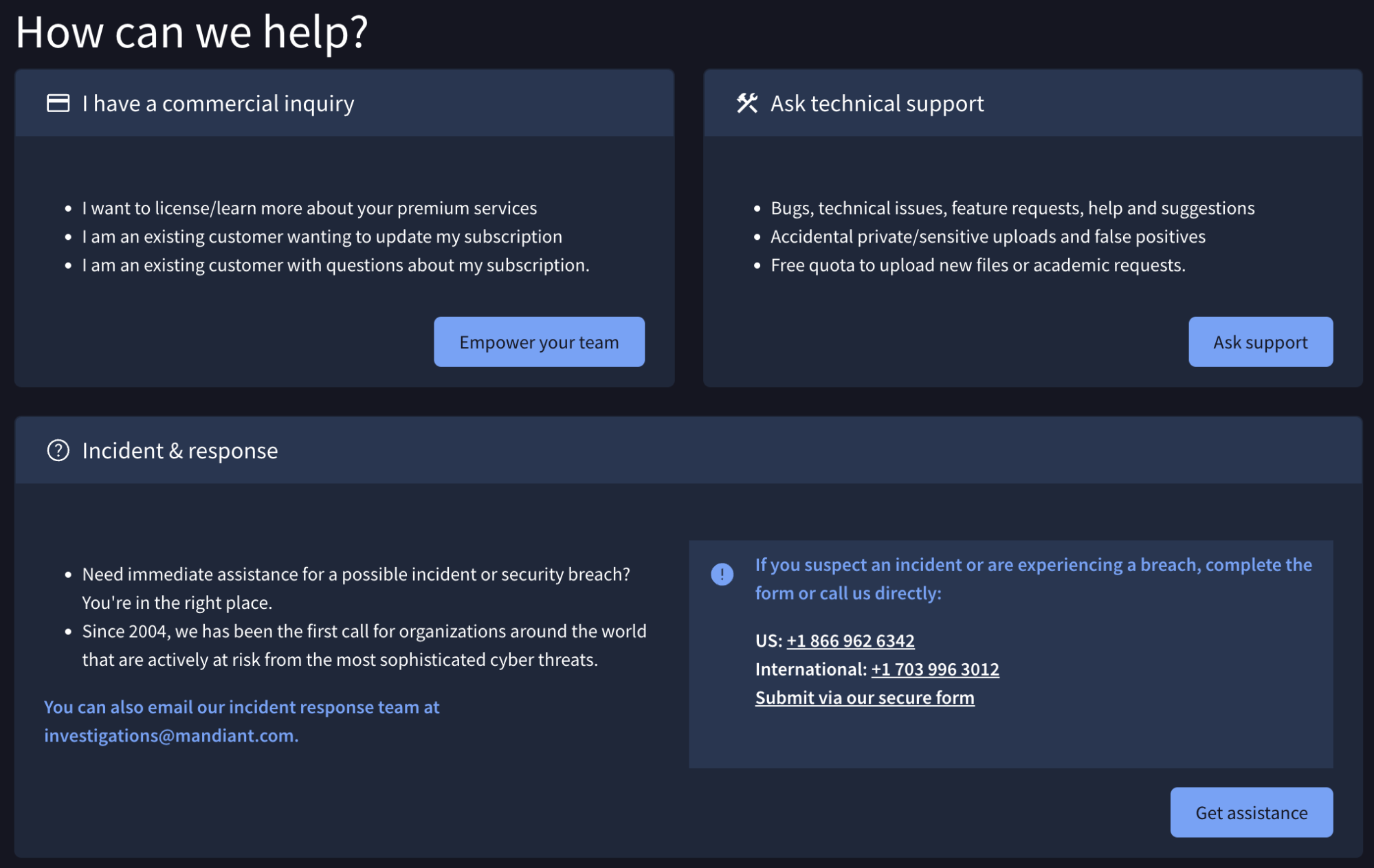
Continue to ask for platform technical support on our Google Threat Intelligence contact portal, and if you need immediate assistance for an incident from here you can contact our Incident Response Team which will be happy to help you.
Updated 3 months ago